

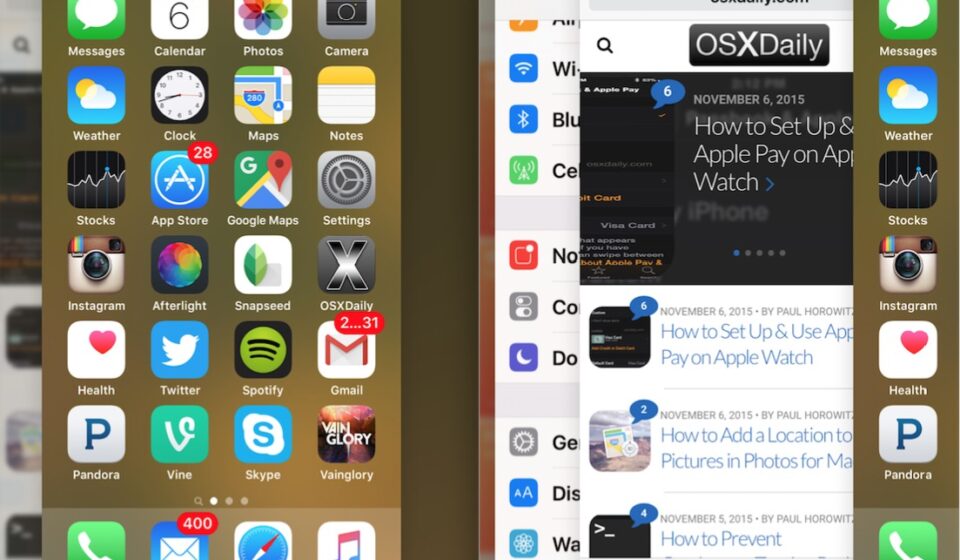

You’ve probably done it a hundred times: your phone feels sluggish or the battery seems to be draining faster than usual, so you swipe up, open the app switcher, and close everything in sight. It feels productive. It feels like you’re taking control.
But does it actually help?
The short answer: usually not and sometimes it makes things worse.
How “Closed” Apps Actually Work
When you swipe an app away on iOS or Android, you’re not necessarily shutting it down completely. Modern operating systems are built to manage apps intelligently in the background. Most apps that aren’t actively doing something (like playing music or tracking your run) get “frozen” they sit in memory, using next to no battery or processing power, just waiting to be reopened instantly.
This is by design. Both Apple and Google have engineered their systems to suspend inactive apps automatically, which is far more efficient than making you manually manage every app yourself.
So Why Does Closing Apps Feel Like It Helps?
A few reasons:
- Placebo effect. Doing something feels better than doing nothing, even if the action has no real impact.
- Rare exceptions exist. A small number of poorly coded apps don’t suspend properly and keep running background tasks (like location tracking or syncing) even when you’re not using them. For those specific apps, closing them can genuinely help.
- Confusing “closing” with “force stopping.” These are different. Swiping an app away is a soft close. Force-stopping (found in your phone’s settings) fully kills the app’s processes, but even this only matters for apps that are misbehaving.
Where Closing Apps Can Actually Hurt Your Battery
Here’s the part most people don’t expect: constantly closing apps can increase battery drain.
When you force an app closed, your phone doesn’t just forget about it, it removes it from memory entirely. The next time you open that app, your phone has to reload everything from scratch: re-launching processes, re-authenticating, re-fetching data. This process uses more processing power and battery than simply resuming an app that was already suspended in the background.
If you’re someone who closes every app after every use, you might actually be draining your battery faster than someone who never touches the app switcher at all.
What Actually Drains Your Battery
If closing apps isn’t the fix, what is? The real battery killers are usually:
- Screen brightness and screen-on time by far the biggest factor for most people.
- Location services running constantly for apps that don’t need them.
- Push notifications and background refresh for apps you rarely use.
- Poor signal strength, which forces your phone to work harder to maintain a connection.
- Old batteries battery health naturally degrades over time, regardless of your app habits.
What You Should Do Instead
- Check your battery usage settings to see which apps are actually consuming the most power.
- Turn off background app refresh for apps you don’t need updating in real time.
- Lower your screen brightness or enable adaptive brightness.
- Only force-stop an app if you’ve identified it’s genuinely misbehaving (draining battery even when unused).
So
Closing your apps isn’t hurting you in most everyday cases, but it’s not the battery-saving hack it feels like either. Your phone’s operating system is already smarter about managing background apps than manual swiping ever will be. Save your energy (and your battery) by focusing on the things that actually move the needle: screen time, background permissions, and app-specific settings.
Next time you catch yourself swiping away twenty apps out of habit, remember, your phone was probably handling it just fine on its own.
Got a tech habit you’ve always wondered about? Drop it in the comments it might be the next myth we bust on SlecxTec.